97 releases in two weeks, and what you can do now
97 releases since our last update, across nine release lines. these are the ones that change what you can do.
if you are new here: solstone is a personal memory platform. the solstone app takes in what you share with it, and all of it goes into your journal, an open source, local-first memory that your agents can work from. your journal lives on a device you own.
get it on mac, windows or linux: solstone.app/download. on your phone: solstone.app/phone.
where your day happened
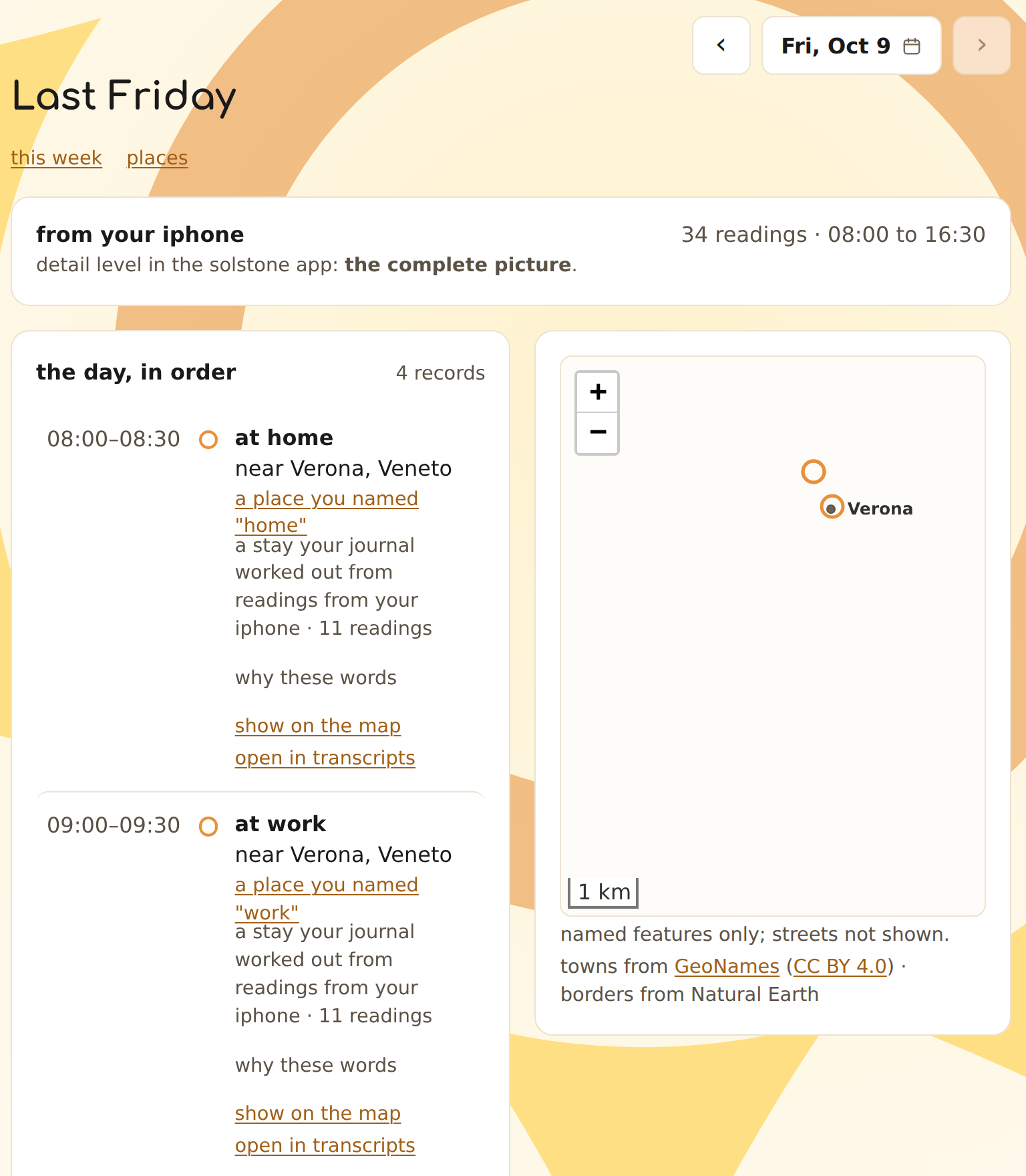
your journal has a new map app. it shows the location you share through the solstone app on your phone, a day at a time, with each record named for the town it was near. when your iphone stays in one spot for a while, the day shows one stay instead of a run of readings, and a spot you come back to on different days becomes a place you can name, call home or work, or hide from the map. the town names come with your journal, so no map service is asked for anything. to name the places themselves, like the coffee shop you were near, there’s an optional download, and it looks those names up on your computer. there’s a week view, and searching your journal now finds a day by the towns you were near.
the solstone extension
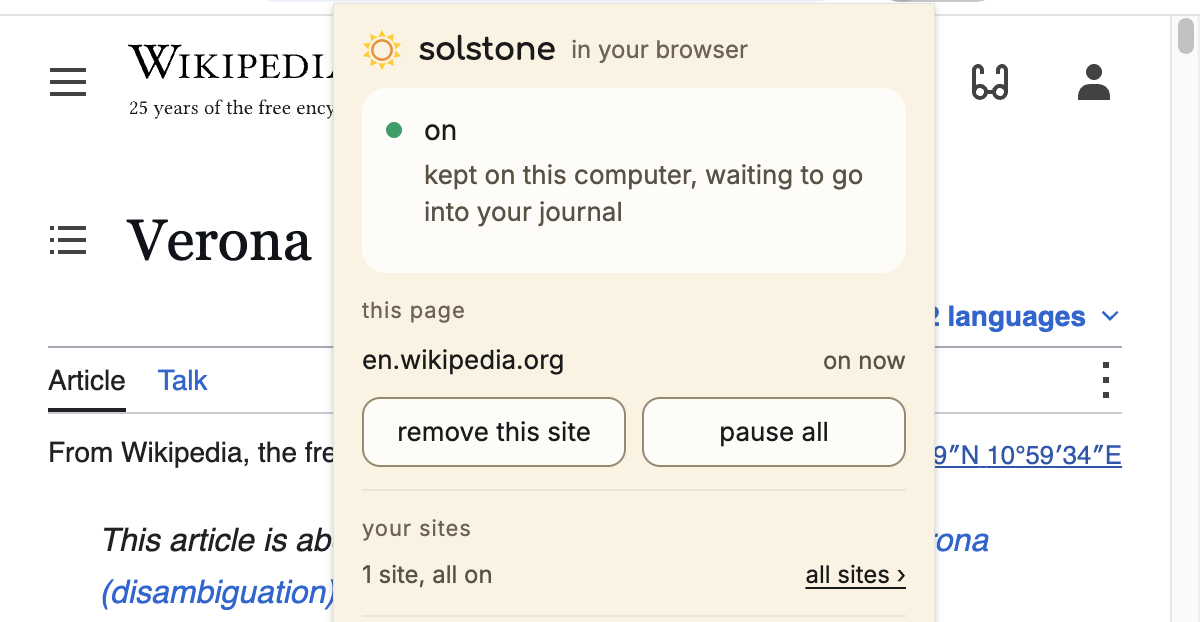
add the solstone extension to Chrome or Edge and choose the sites you want to share. on a mac, it now works in Safari too: it comes with the solstone app, and you turn it on under extensions in Safari’s settings. on a site you add, it takes in the page’s address, text and rough layout, and all of it goes into your journal through the solstone app on your computer. it works with the solstone app on mac, windows and linux, and each app points you to it.
the journal on windows
your journal runs natively on windows now. open journal from Start to set it up, start or stop it, and manage updates and paired devices. agents can reach it at solstone.me or at a hostname you own, and confidential processing works there too.
your phone apps, steadier
the solstone app for iphone, ipad and apple watch is on the App Store, and the app for android is on Google Play (we said so), and over these two weeks both have gotten steadier. on a slow network, like a café’s wifi, the iphone app gives your journal more time to answer. on android, if an update or an unexpected stop cuts off audio, the app recovers it when it next starts, and audio picks up on its own once another app is done with the microphone. moving to a new phone? both apps can carry on your old device’s name and history.
bring more in
bring in your workouts from a Strava download, and they show in the body app and turn up in search. import a video, and its sound is transcribed. import a text or markdown transcript that marks its turns, and each turn keeps its time, speaker and words from the file. and before an import starts, it now tells you how many recordings it will add and how many days they cover.
what you said and saw, easier to find
your journal now looks for your voice on its own each day, and your journal’s home page tells you when it has found one that may be yours. once you confirm it, transcripts show your lines as “you”. you can also name someone else’s voice once and have it named across your conversations, not one line at a time.
each conversation your journal processes now also gets a short list of what it was about and a few passages copied word for word from what was said, so a search can find it by its subject or by a line someone said. what was on your screen shows up in search as soon as that moment is processed. and your weekly reflection has its own page, with a memory from each day that has one and a link to where it came from.
your journal’s thinking, and your agents
sign in with your own ChatGPT account and pick one of your ChatGPT models for your journal’s thinking, so there’s no key to paste. your computer talks to OpenAI directly, and OpenAI sees the parts of your journal that thinking uses. you can still use a key, your own endpoint, or a local model. if you’d rather your journal think on hardware sol pbc runs, confidential processing has its own post.
connect your agent to your journal using MCP. through that connection it can search and read your journal and keep notes of its own there. it can’t add, change, or delete anything else. an agent you let see transcripts also gets a link to the conversation behind a result, with its time.
steadier underneath
your journal now works through everything in one order: today first, then a day you ask it to redo, then the rest of your week, then older days, newest first. health shows what’s still waiting, and anything set aside comes with a reason and a try-again. and when you pause the solstone app on a mac, a linux computer or a windows pc, it stays paused through quitting the app, a crash and restarting your computer.
next, the solstone extension in Firefox, as soon as Mozilla finishes its review.
what shipped
97 releases between our last update and october 13:
- the journal, on mac, windows and linux: 19 releases, 2.0.26 → 2.0.44, most with a signed release record at trust.solstone.app
- the journal app for mac: 18 releases, 2.0.27 → 2.0.44
- solstone for mac: 14 releases, 2.0.20 → 2.0.33
- solstone for linux: 10 releases, 2.0.10 → 2.0.19
- solstone for windows (the app): 13 releases, 2.0.14 → 2.0.26
- solstone for tmux: 7 releases, 2.0.9 → 2.0.15
- iphone, ipad and apple watch: 3 releases, 2.0.6 (119) → 2.0.8 (128)
- android: 11 releases, 2.1.13 → 2.1.23
- the solstone extension: 2 releases, 0.2.0 → 0.3.0, in the Chrome Web Store
sol pbc is a public benefit corporation. the promises about your data live in article 8 of our filed articles of incorporation, not in a policy we could quietly change: it can’t be amended without jer’s personal signature, and after him the language can only get stronger, never weaker. what that means.